|
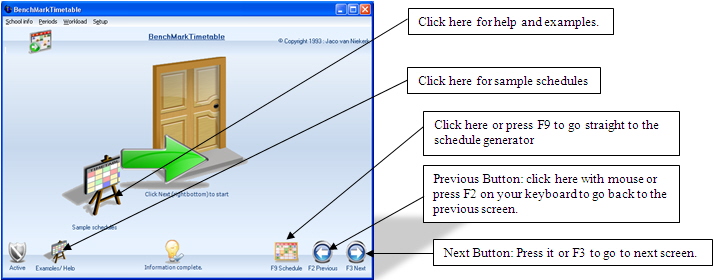
The program makes use of a helpful voice that will greet you when you enter the program, so make sure your speakers are turned on. To view the following screens just click on their respective buttons, as shown above, Help; Sample schedules; Next; Previous and Schedule. By clicking “next” on the right bottom of the screen, you will be able to progress to the next screen. Be sure that the status bar at the bottom of all screens changes to all information is complete when you have finished inputting your information.
|